Tutorials • Cloudflare
DDoS protection via Cloudflare
Activating DDoS protection through Cloudflare is simple. Follow the steps to enable "Under Attack" mode and effectively protect your domain.
5
Views 1696Updated 1 anPublished on 13/06/2022by Ştefan K.
Introduction
- In this tutorial, we will show you how to activate the DDoS protection offered by Cloudflare.
Requirements
- Access to the Cloudflare account related to the mentioned domain. (To configure Cloudflare on your domain, follow this tutorial: Activating Cloudflare services by changing nameservers on the domain .)
Steps to Follow
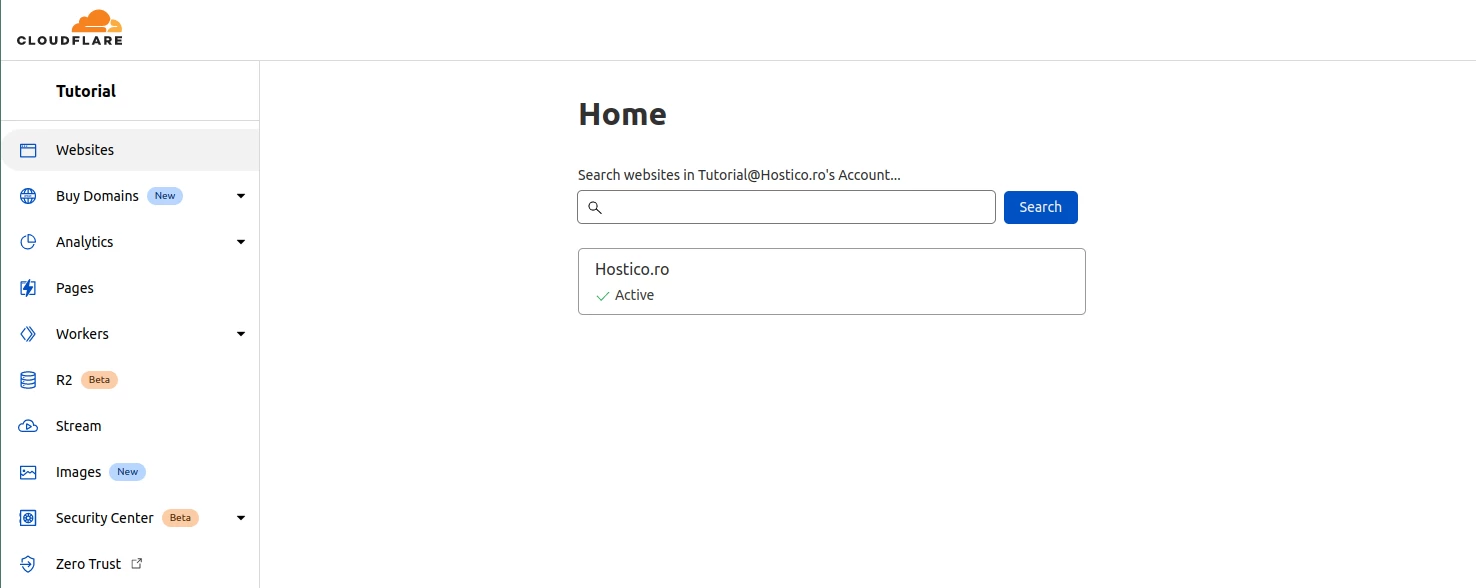
- Log in to your Cloudflare account and access the desired domain.
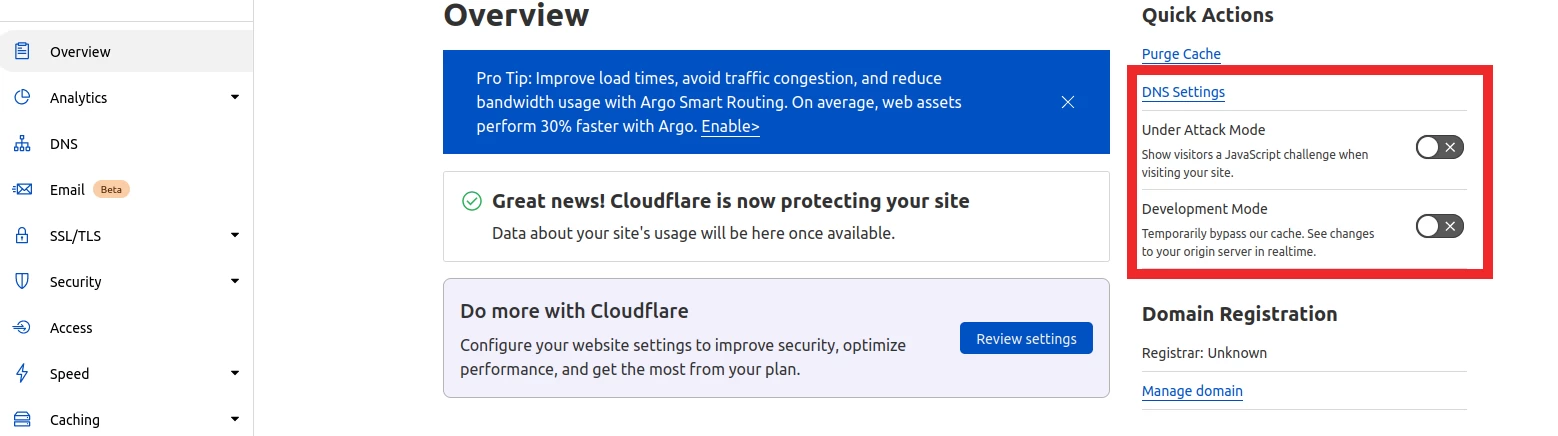
- After accessing the domain, select the Overview section. On the right side of the page, you will find the Under Attack Mode option. Activating it will enable the anti-DDoS protection provided by Cloudflare.
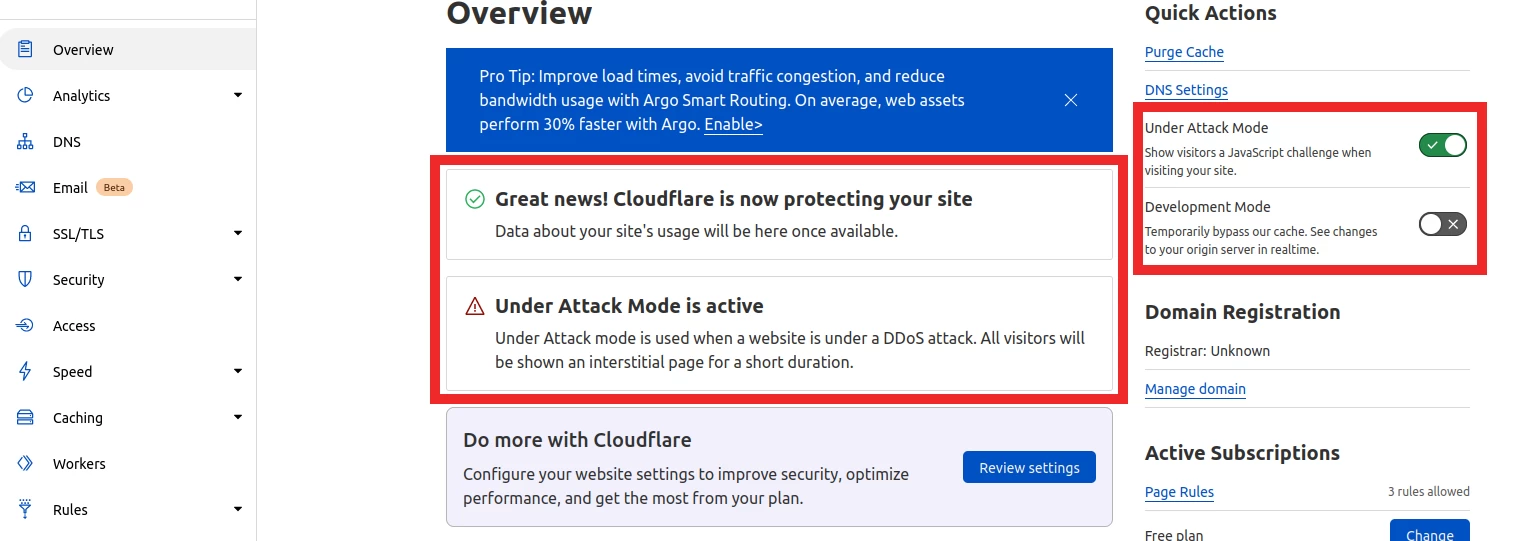
- After activation, the notification "Under Attack Mode is active" will appear, confirming that protection is active.
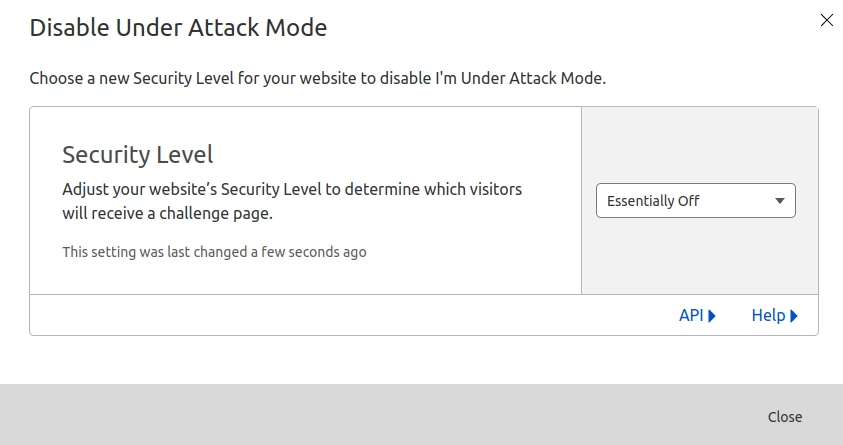
- To disable the protection mode, press the same button used for activation and select the Essentially Off option.