Tutorials • Apps
Screenshot
Learn how to take a screenshot in Firefox or using the PrtSc key. Follow the simple steps to save and share screenshots.
1
Views 1350Updated 5 aniPublished on 14/01/2018by Florin P.
Introduction
- In this tutorial, we will show you how you can take a screenshot or screenshot
Requirements
- Browser Firefox, paint.
Steps
- First, we will go to the issue presented on our own computer and press the PrtSc (Print screen) key.
- Then we will open Paint or Illustrator and press the Ctrl+V keys (paste shortcut), then we can save the screenshot.
- The second way to take a screenshot is with the help of this built-in function in Firefox.
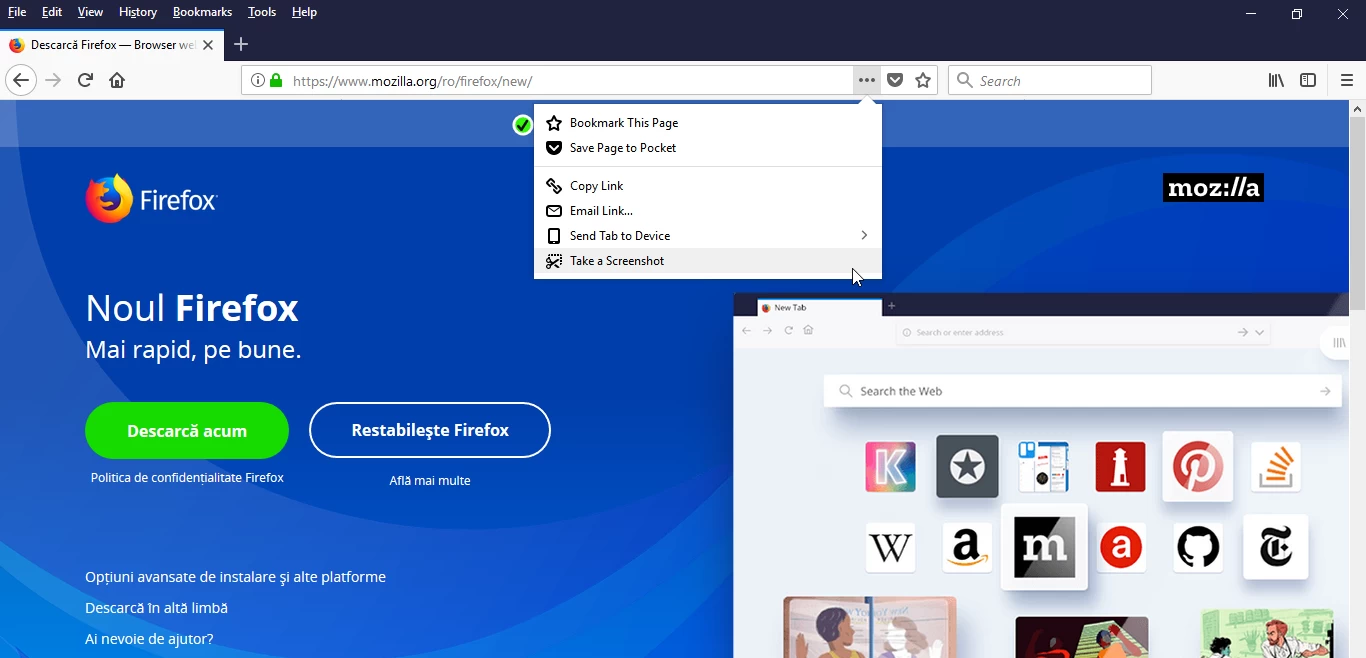
- Open Firefox, click on the " ... " next to the address bar or Page actions and then on Take a Screenshot.
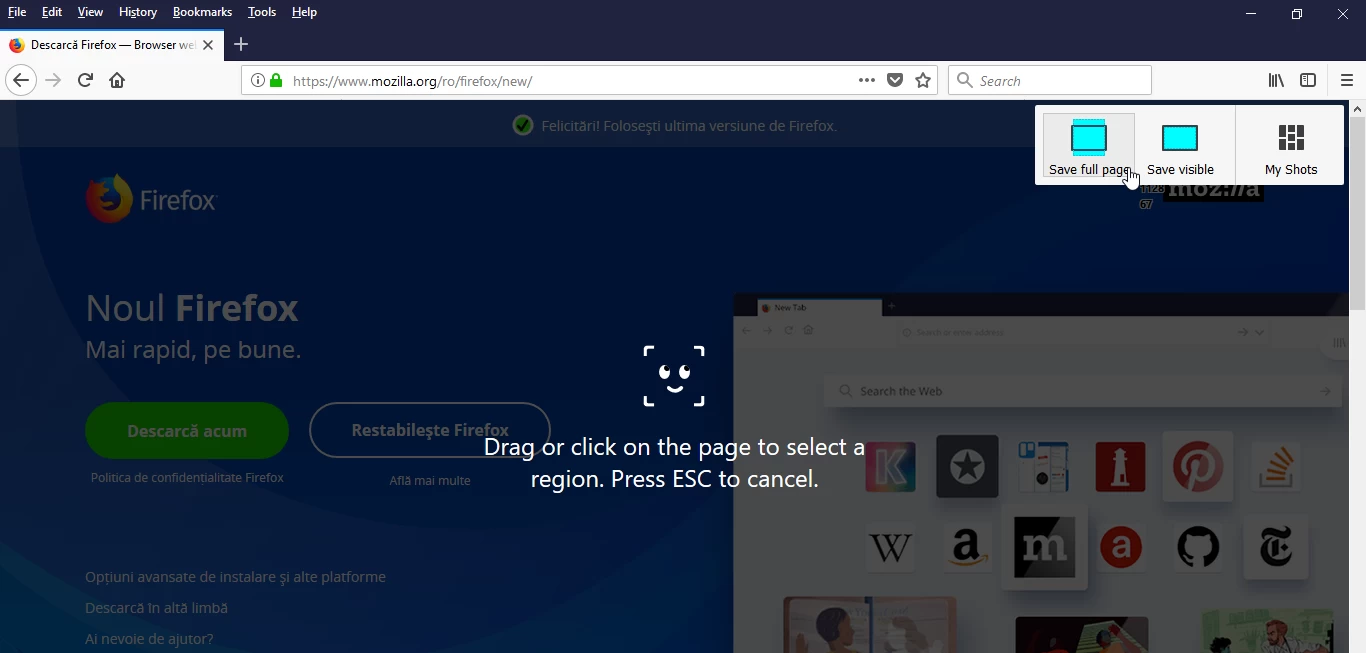
- On the next page, we have several options regarding the screenshot, we will select Save full page for a capture of the entire screen.
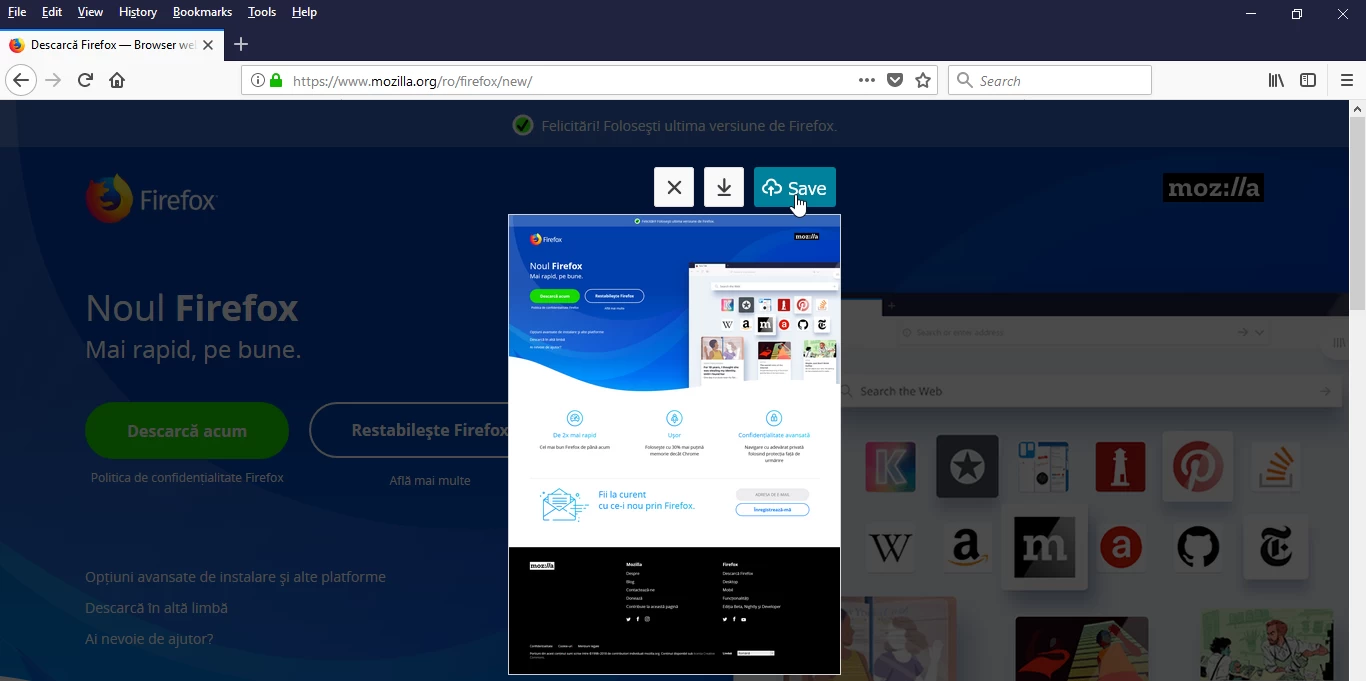
- We save the screenshot, and then we can copy the link from the address bar for the screenshot, a link that we can send via email.