Tutorials • Email
Email Disk Usage Reports
This article shows how you can view an informative report on space usage by mailboxes.
Views 1064Updated 2 aniPublished on 02/02/2018by Cătălin A.
Introduction
This tutorial explains how you can view an informational report on the space usage by mailboxes.
Requirements
- a cPanel account
Steps to Follow
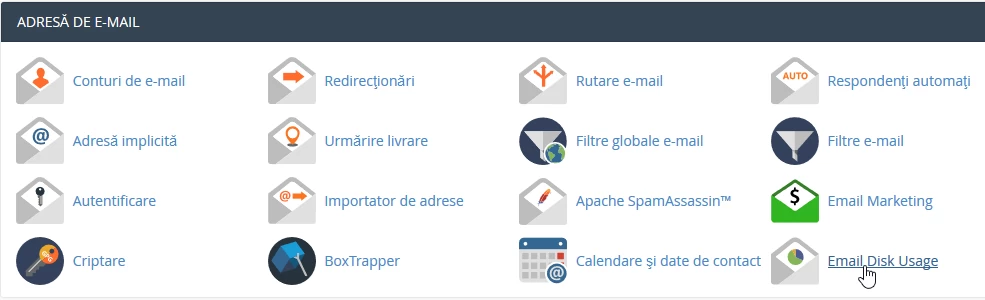
- after logging in to the cPanel control panel, in the interface that will be displayed, we look for the "EMAIL ADDRESS" section, and there we click on "Email Disk Usage"
- In the next window, from the "Account:" button, you can select the email box for which you want the report
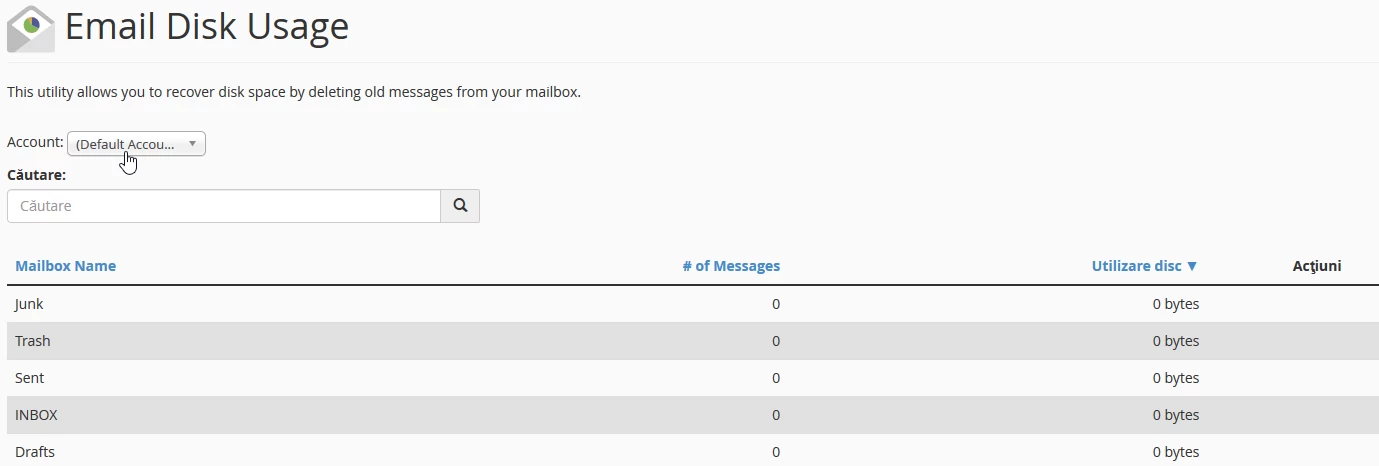
- in the search box you can search for a specific folder from the selected email box
