Tutorials • Email
Creating global email filters in cPanel
Learn how to create global email filters in cPanel to control incoming messages based on the subject. A simple and effective step-by-step guide.
Views 1477Updated 2 aniPublished on 30/01/2018by Cătălin A.
Introduction
This tutorial explains how to configure a mail filter in the cPanel account.
Requirements
- a cPanel account
Steps to Follow
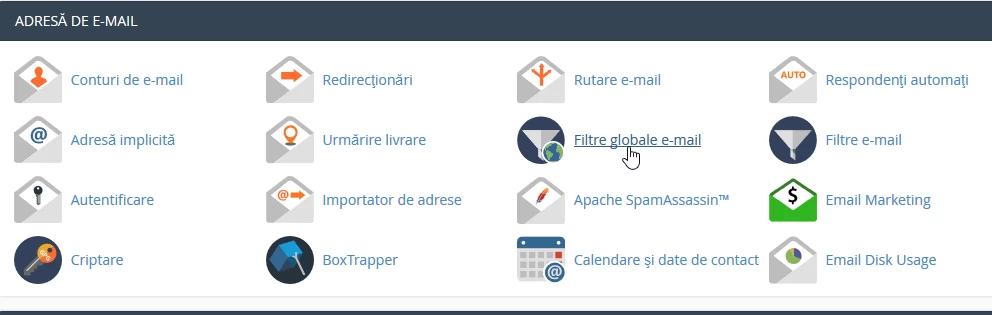
- after logging into the cPanel control panel, in the displayed interface, we look for the "EMAIL ADDRESS" section, and there we click on "Global Email Filters"
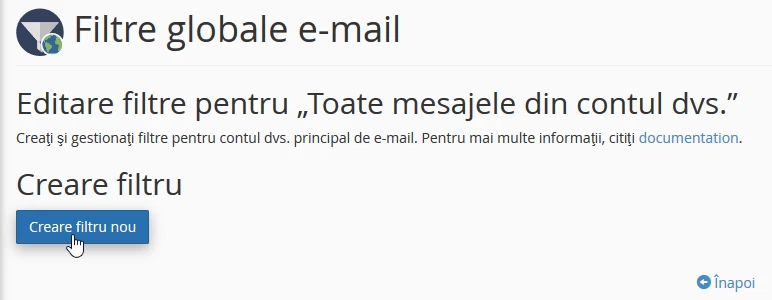
- in the next window click on "Create new filter"
- In the next window, fill in the box with the desired filter name, in this case "Newsletter"

- on the same page, the filter rules are established according to need, in this case "Subject" which "Contains" in the title the word that will be entered in the box below:

- in this situation, any email that in the SUBJECT will CONTAIN the word "newsletter" will be filtered according to the actions that can be selected from the "Actions" box
- after which the "Create" button is pressed
Multiple filters and actions can be added by clicking on the + or - on the right to remove the filter.
