Tutorials • Dev
Creating and adding a user to a PostgreSQL database.
In this article, you will learn how to create a PostgreSQL database and how to add a user to that database.
Views 1303Updated 2 aniPublished on 16/07/2021by Cătălin A.
Introduction
- This article will show you how to create a database PostgreSQL and a user defined for the database respectively.
Requirements
- An active hosting account with cPanel panel, along with login details (username and password).
Steps to follow
- After logging into the cPanel control panel, in the DATABASES section, we will access the PostgreSQL Databases plugin

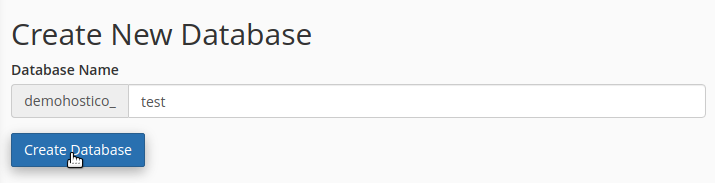
- We complete the name that we want for the database.
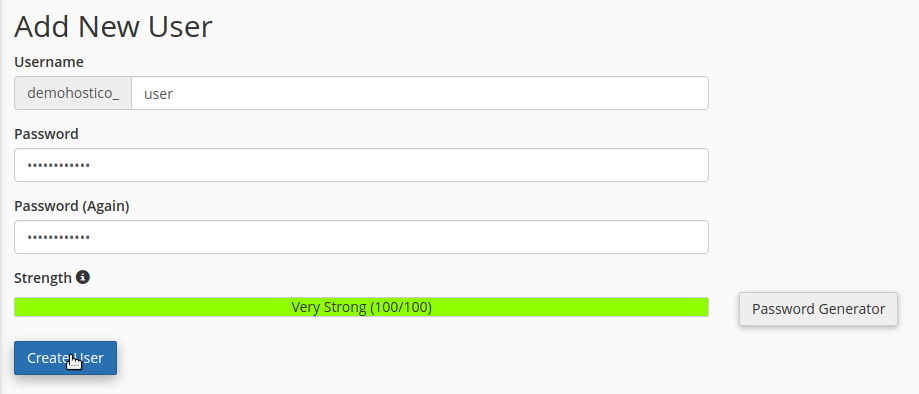
- You need to create a user that we to assign to the respective database
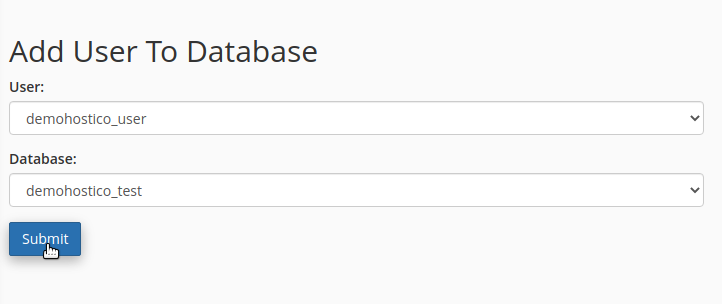
- After which to allocate the user to the database we created.