Tutorials • cPanel
ModSecurity Management in cPanel
Learn how to enable and disable the ModSecurity firewall in cPanel, protecting your site from common vulnerabilities.
10
Views 1887Updated 2 aniPublished on 04/03/2019by Alexandru R.
Introduction
- In this tutorial, we will show you the necessary steps to activate and deactivate the ModSecurity web firewall in the cPanel control panel
- ModSecurity is a (Web Application Firewall - WAF), an internet-based firewall application that contains standard rules (CRS - Core Rule Set), which can protect you from the most commonly encountered vulnerabilities, such as:
-
- Malicious external scripts/codes
- User-Agent, harmful to the site, used by bots in general
- SQL injections, malicious code injections in the database
- Trojans and viruses
- Session takeover
- Many other types of exploits
Requirements
- a cPanel account
Steps
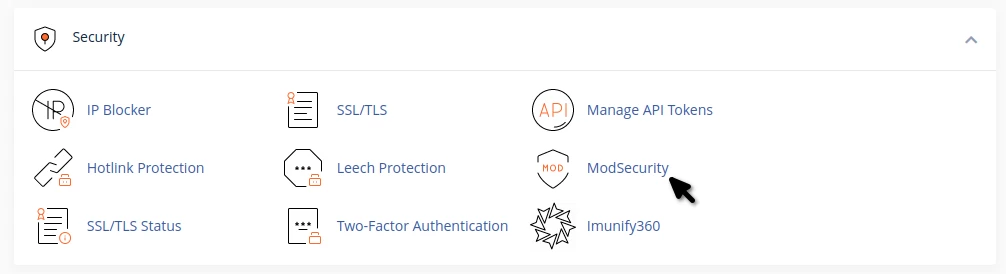
To access ModSecurity, go to the cPanel control panel and navigate to the Security tab, where you click on the green icon ModSecurity
Immediately after accessing, the window below will open, where you will find the option On - Off (Enabled - Disabled), from which the ModSecurity function can be activated or deactivated

If you have multiple domains added to your hosting account, you will find them aligned one below the other, and for each individual domain, you have the option to enable/disable ModSecurity.
ModSecurity is enabled by default when creating an account or adding a new domain.