Tutorials • Email
Adding users in G Suite and creating an email account
Find out how to add users in G Suite and create email accounts with this detailed, easy-to-follow guide.
Views 1204Updated 1 anPublished on 20/07/2019by Florin P.
Introduction
- In this tutorial we will show you how to add users in G Suite.
Requirements
- Active G Suite account, username and password. If you do not have a G Suite account, you can create one by accessing https://gsuite.google.com/.
Steps
- Accessing the account is done through the page https://gsuite.google.com/.
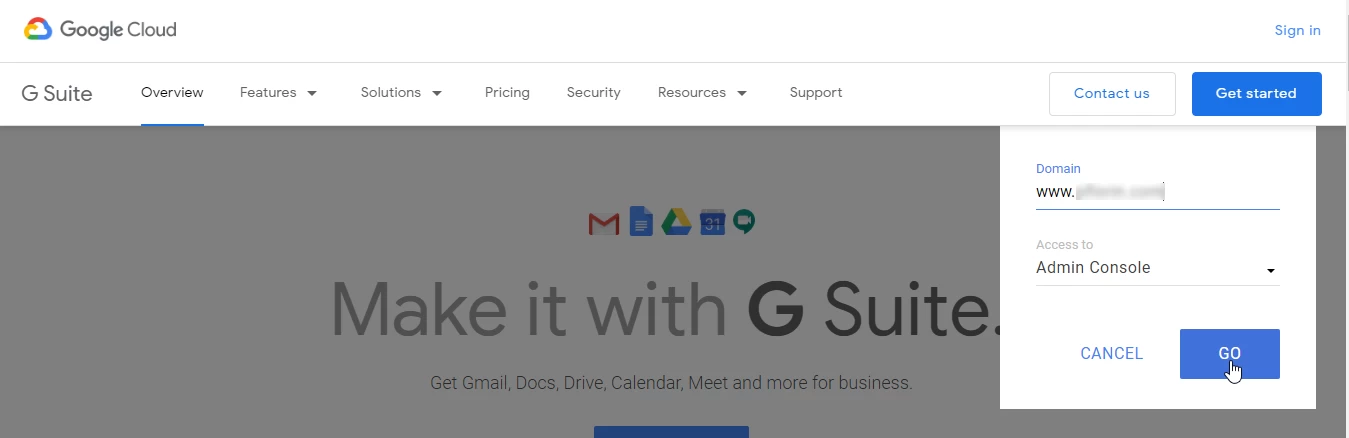
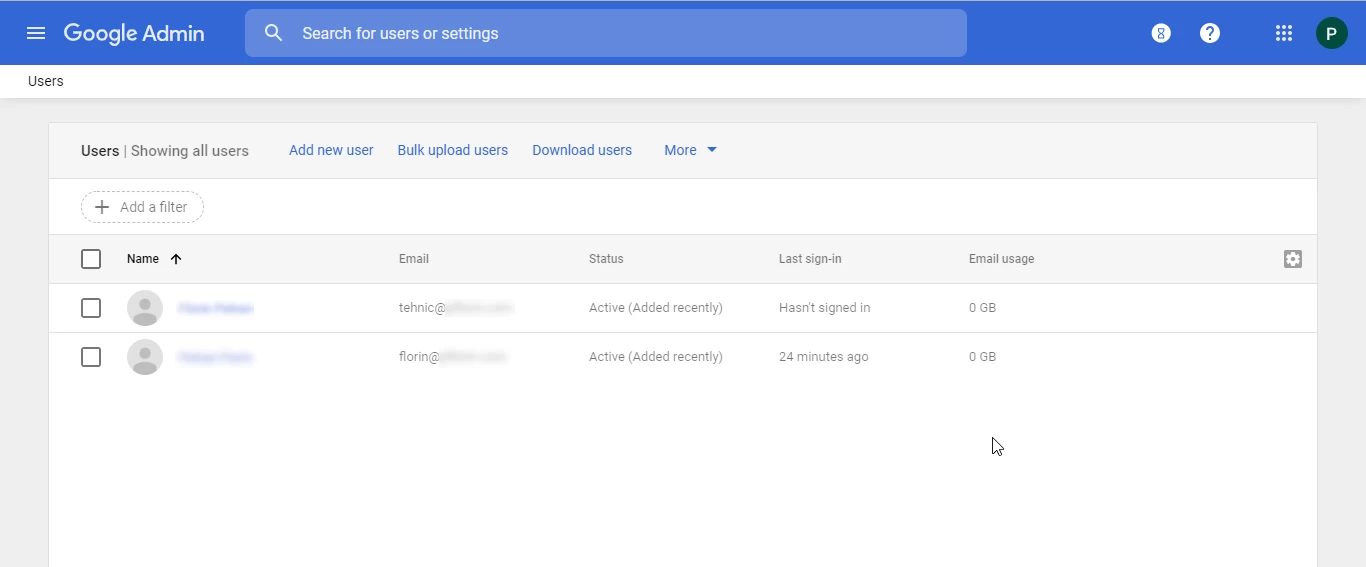
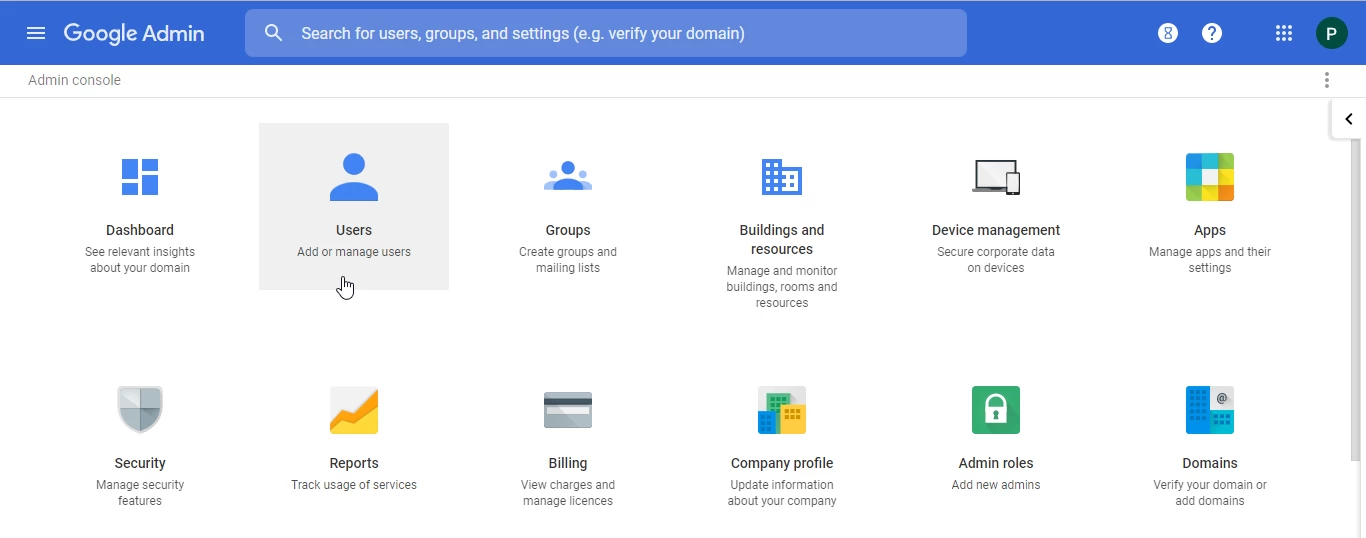
- After logging in, we access the Users menu.
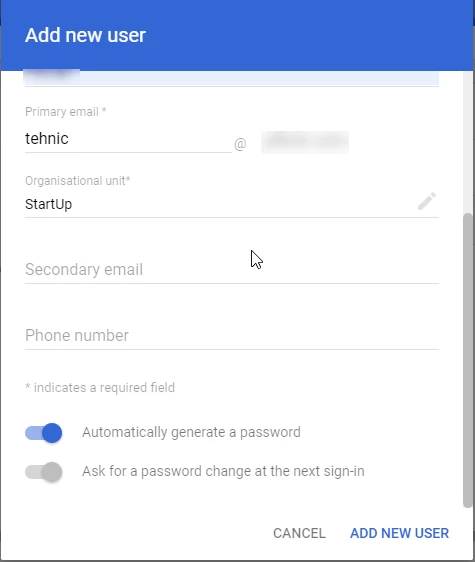
- We select Add new user, where we will fill in the fields below: first name, last name, email address.
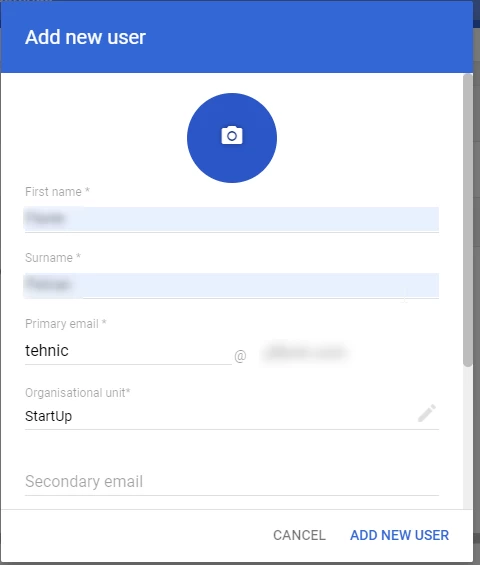
- In addition to the fields for secondary email address and phone, we can also configure the user to change their account password immediately after the first login.
- User management (password, delete, add) can be done on the same page.