Tutorials • Dev
Adding a domain to Google Postmaster Tools
Learn how to add a domain to Google Postmaster Tools with this step-by-step guide, requiring a Gmail account and access to cPanel. Check it now!
4
Views 2764Updated 1 anPublished on 30/05/2019by Cătălin A.
Introduction
This tutorial explains how to register a domain in Google Postmaster Tools.
Requirements
- An active Gmail account.
- Access to cPanel.
Steps to Follow
- Once logged into your Google account, go to the page https://postmaster.google.com/managedomains.
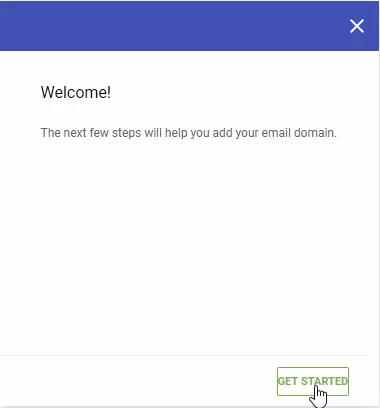
- On the displayed page, select the GET STARTED button.
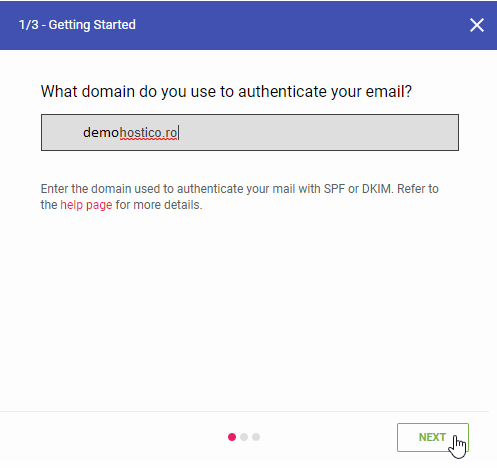
- The next step involves adding the domain. After entering the domain, click on NEXT.
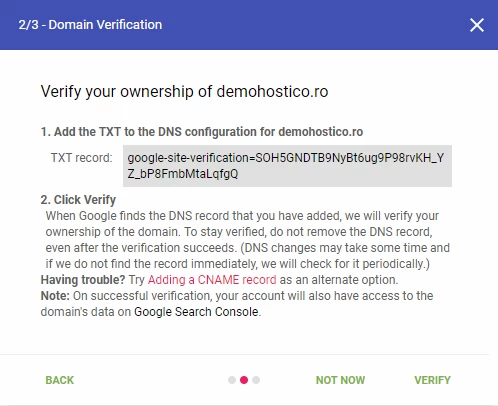
- The next step provides a TXT record that must be added to the DNS zone of the domain.
- Access the cPanel of the domain to add this entry:
1. Obtain the character string provided by Google on the Postmaster page. Example:
"google-site-verification=SOH5GNDTB9NyBt6ug9P98rvKH_YZ_bP8FmbMtaLqfgQ"
2. Open cPanel and navigate to the Zone Editor section.
3. Select the desired domain and add the TXT record:

- After adding the record, access the Google Postmaster console and click the VERIFY button.
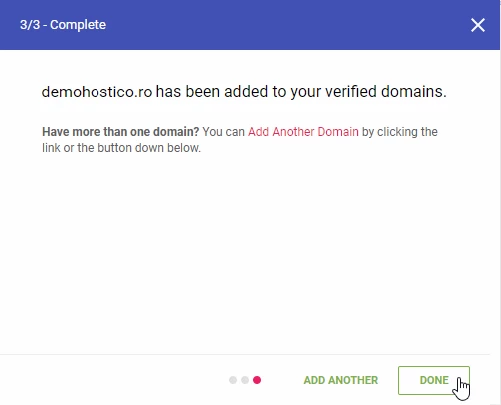
- If the verification is successful, you will receive a confirmation message. Select Done to finish.
For more information on interpreting reports, visit the support page Google.