Tutorials • Plesk
Apache and Nginx settings in Plesk
Easily modify Apache and Nginx settings in Plesk. Learn how to configure MIME types and manage caching for an optimized server.
Views 1514Updated 1 anPublished on 24/04/2019by Florin P.
Introduction
- Modifying Apache and Nginx settings in the Plesk administration panel.
Requirements
- Access to the Plesk administration panel, username, and password.
Steps
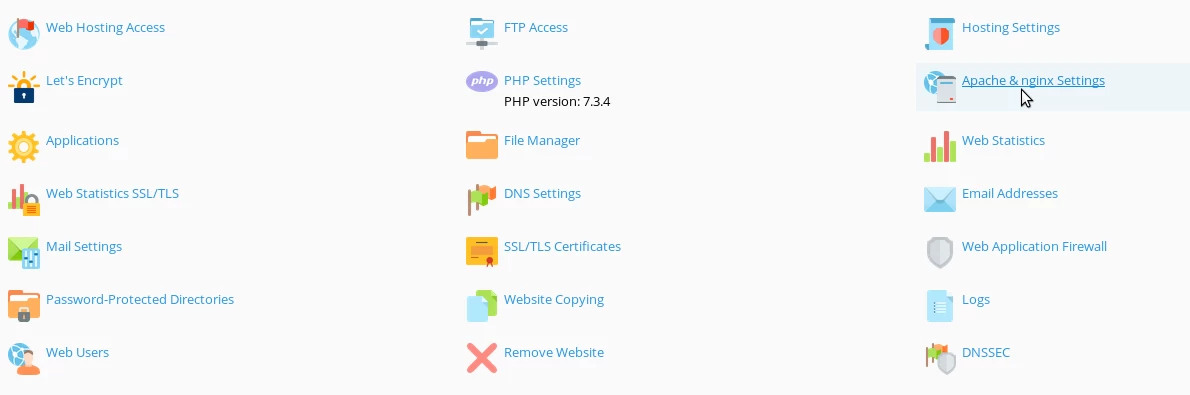
- After logging in to the Plesk panel, we will access Apache & nginx Settings.
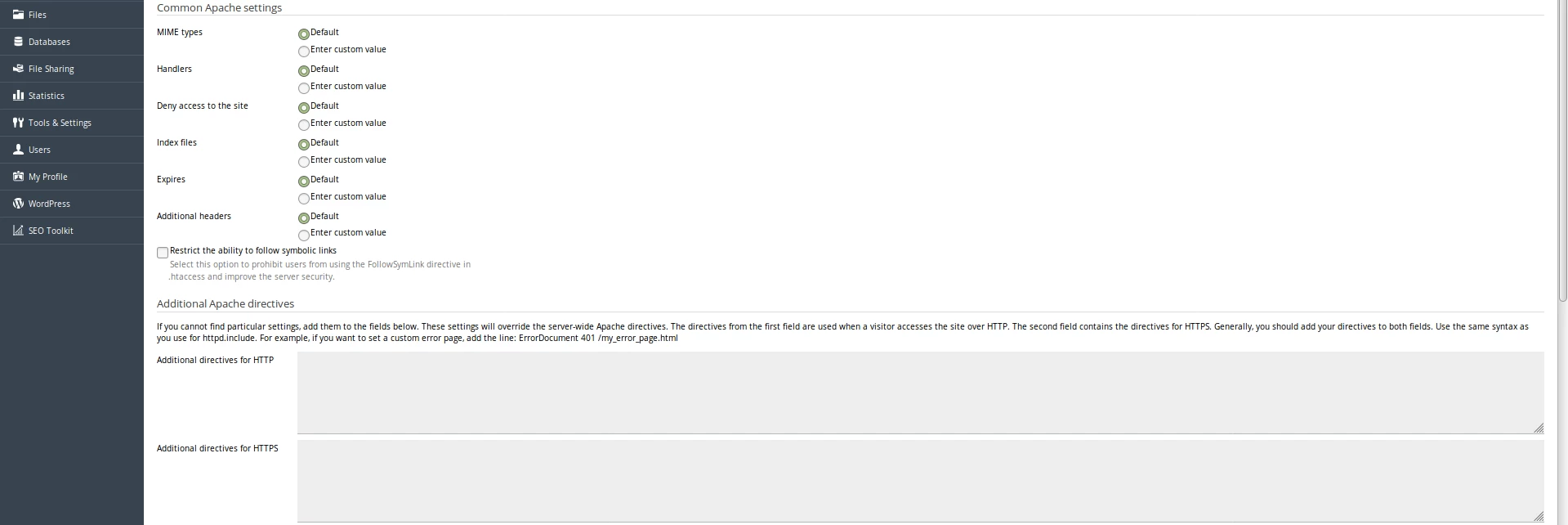
- In the first part of the page, we'll be able to modify settings for Apache, and in the second part, settings for nginx.
- Here we can configure MIME types, restrict symbolic links, etc.
- Nginx settings.
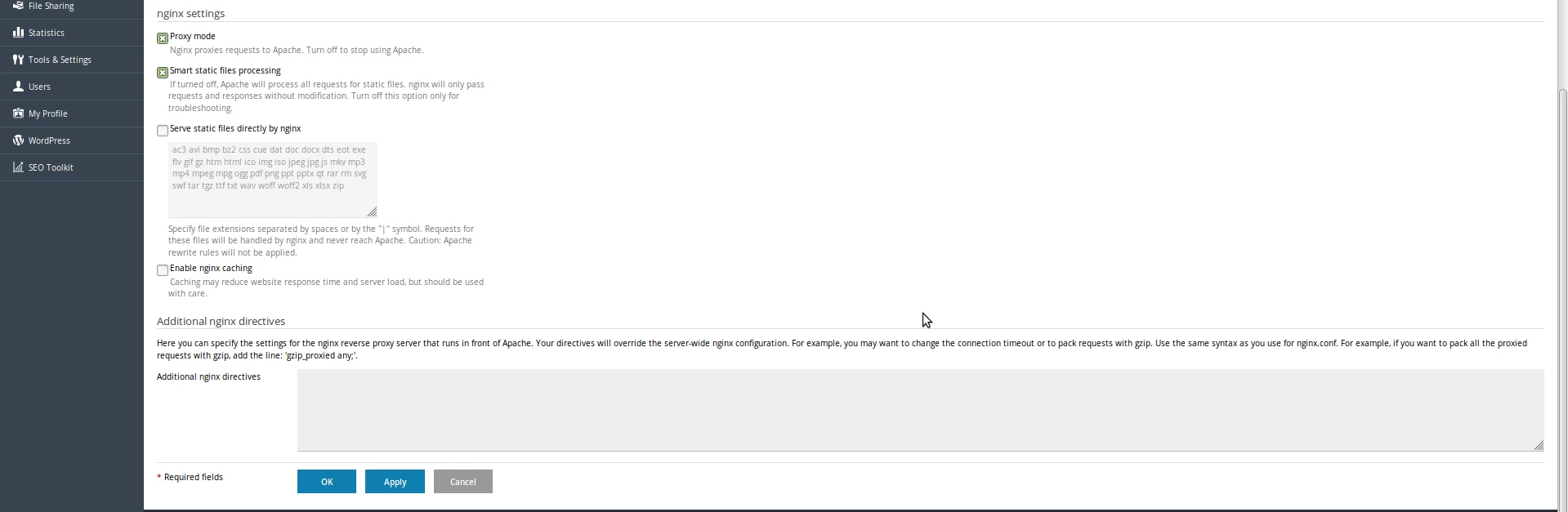
- Depending on the needs, we can completely enable/disable nginx or activate nginx caching, etc.